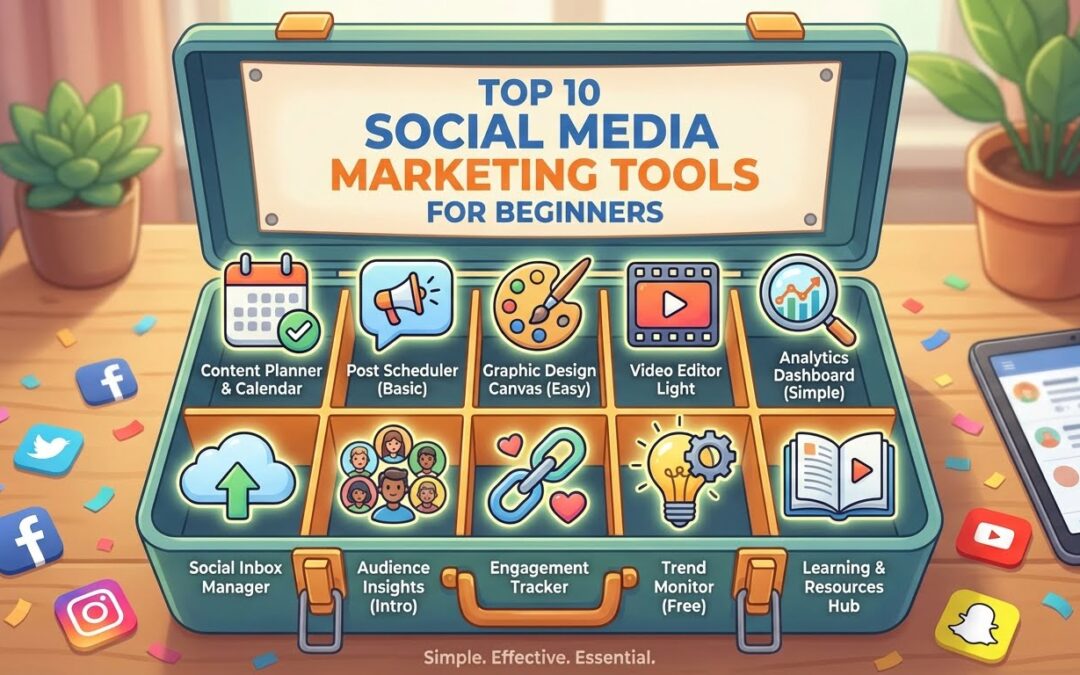
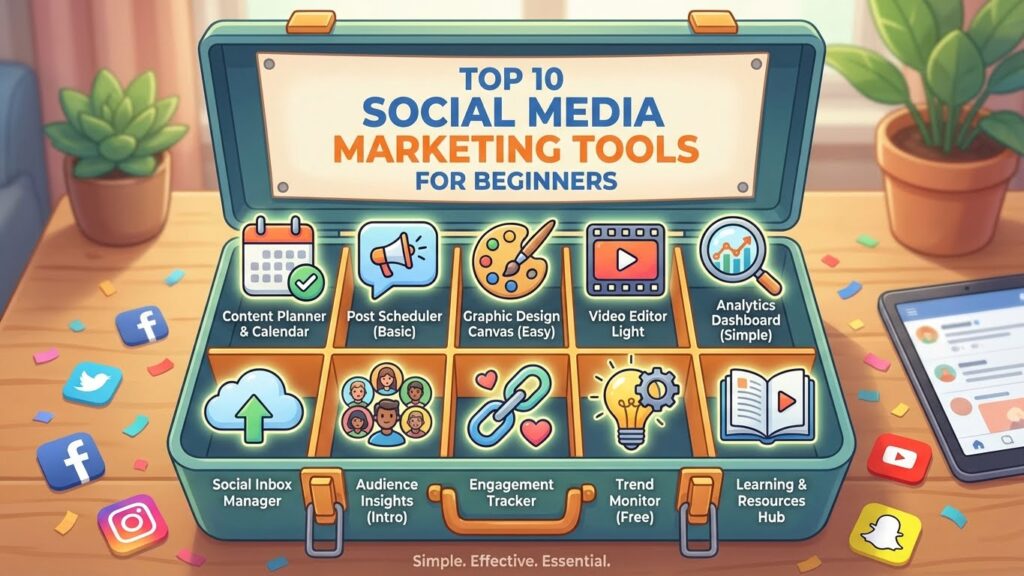
If you’re new to social media marketing, the number of tools available can feel overwhelming. The good news is that you don’t need advanced skills or a big budget to get started. Today, there are free and beginner-friendly tools that help you create content, schedule posts, analyze performance, and grow your online presence faster. This guide breaks down the top 10 social media marketing tools for beginners—simple, affordable, and powerful enough to help you build momentum from day one.
Short Summary
- 1 Short Summary
- 2 Why Beginners Need Social Media Tools
- 3 How We Selected the Top Top 10 Social Media Marketing Tools for Beginners
- 4 Tool #1: Canva — Best for Creating Social Media Graphics
- 5 Tool #2: Buffer — Best for Simple Post Scheduling
- 6 Tool #3: Hootsuite — Best All-in-One Social Media Manager
- 7 Tool #4: CapCut — Best for Short-Form Video Editing
- 8 Tool #5: Metricool — Best for Analytics and Planning
- 9 Tool #6: Later — Best for Instagram Planning and Visual Organization
- 10 Tool #7: Notion — Best for Content Planning and Team Organization
- 11 Tool #8: ChatGPT — Best for Content Ideas, Caption Writing, and Strategy
- 12 Tool #9: AnswerThePublic — Best for Finding What Your Audience Wants
- 13 Tool #10: Google Analytics — Best for Tracking Website and Social Performance
- 14 Putting It All Together: How These Top Social Media Marketing Tools for Beginners (2026 Guide)Work As a System
- 15 How Beginners Should Use These Tools (Simple 5-Step Workflow)
- 16 Conclusion: The Best social media marketing tools for beginner that help to Grow Faster With Less Stress
- 17 Frequently Asked Questions (People Also Ask Style)
- 17.1 1. What is the best social media marketing tool for beginners?
- 17.2 2. Which social media marketing tools for beginners are free to use?
- 17.3 3. What social media marketing tools for beginners help grow on Instagram?
- 17.4 4. How do I choose the right social media tool?
- 17.5 5. Do beginners need analytics tools?
- 17.6 6. Do I need to use all 10 tools?
- 17.7 7. Are AI tools important for social media in 2026?
- 17.8 8. Can these tools help small businesses?
- 17.9 9. Which tool is best for video content?
- 17.10 10. Do these tools work for all social platforms?
The top social media marketing tools for beginners in 2026 include Canva, Buffer, Hootsuite, CapCut, Notion, Metricool, Later, ChatGPT, AnswerThePublic, and Google Analytics. These tools help new marketers create content, schedule posts, research audience interests, track performance, and grow their social media presence without needing advanced skills or a big budget.
Why Beginners Need Social Media Tools
Many people believe social media success is all about posting often or using trending hashtags. But in reality, growth comes from consistency, strategy, and data—and tools make this possible.
Without the right tools, beginners usually struggle with:
- Running out of content ideas
- Posting inconsistently
- Not understanding analytics
- Wasting time switching between apps
- Creating low-quality visuals
- Missing trends and audience insights
The right tools fix these problems automatically. They help you:
- Create professional-looking content
- Schedule posts across multiple accounts
- Study what your audience likes
- Improve engagement
- Save time by automating manual tasks
And the best part?
Many beginner tools are free, AI-powered, and extremely easy to use.
How We Selected the Top Top 10 Social Media Marketing Tools for Beginners
This list is not random. Tools were chosen based on five factors that matter most to beginners:
1. Ease of Use
No steep learning curve, no technical setup.
2. Affordability
Most offer free plans or low-cost upgrades.
3. Features That Matter
Content creation, scheduling, analytics, and automation.
4. Suitability for Beginners
Tools designed for users with limited marketing experience.
5. 2026 Relevance
Updated AI features and support for new social platforms.
Tool #1: Canva — Best for Creating Social Media Graphics
Canva is the most popular design tool for beginners, and for good reason. You don’t need design experience to create beautiful posts, banners, ads, thumbnails, or stories. Its drag-and-drop editor and template library make it the perfect starting point for anyone who wants professional-looking visuals.
Why Beginners Love It
- Easy to learn in minutes
- Thousands of free templates
- AI tools for resizing, removing backgrounds, and generating graphics
- Perfect for Instagram, Facebook, TikTok, YouTube, and Pinterest
Whether you’re creating a quote post, carousel, video, or ad, Canva gives you everything you need in one place.
Tool #2: Buffer — Best for Simple Post Scheduling
Beginners often struggle with posting consistently. Buffer solves that by letting you schedule posts for the entire week or month in one sitting.
Key Benefits
- Clean, beginner-friendly dashboard
- Supports Instagram, Facebook, LinkedIn, and more
- Lets you plan, schedule, and analyze posts
- Offers a great mobile app for on-the-go posting
Buffer helps beginners stay organized without feeling overwhelmed.
Tool #3: Hootsuite — Best All-in-One Social Media Manager
Hootsuite is more advanced than Buffer but still beginner-friendly. It’s excellent for anyone who wants to manage multiple accounts in one place.
Top Features
- Centralized content calendar
- Deep analytics and performance reports
- Social listening to track trends and conversations
- Team features (great for growing businesses)
Even if you’re just starting, Hootsuite gives you long-term scalability.
Tool #4: CapCut — Best for Short-Form Video Editing
Short-form video dominates social media in 2026, and CapCut is the easiest tool for beginners who want to create TikTok-style or Instagram Reels content.
Why It’s Essential
- Free and simple to use
- Built-in templates for trending formats
- AI captioning
- Filters, effects, and music integration
- Fast export for multiple platforms
If you want to grow quickly, video is key—and CapCut is the tool that makes it effortless.
Tool #5: Metricool — Best for Analytics and Planning
Metricool is one of the most recommended analytics and planning tools for beginners because it gives you everything you need to understand what’s working and what’s not. Unlike many complex analytics platforms, Metricool presents data in a clear, simple way so even first-time marketers can understand their social performance.
Key Features
- Tracks growth across Instagram, Facebook, TikTok, YouTube, LinkedIn, and more
- Shows your best-performing posts
- Provides insights about when your audience is most active
- Helps you plan and schedule content using an intuitive calendar
- Reports that are easy to download and share
Metricool stands out for beginners because it removes the guesswork from analytics. You’ll quickly learn what kind of content gets the most reach, engagement, and clicks.
Why Beginners Should Use It
When you understand your analytics, you can adjust your strategy faster and avoid wasting time on content that doesn’t perform. Metricool gives you the clarity you need to grow with confidence.
Tool #6: Later — Best for Instagram Planning and Visual Organization
Later is especially loved by creators, small businesses, and anyone focusing on Instagram. Its visual planner helps you drag and drop posts into your feed so you can see how everything looks before publishing.
Top Features
- Visual Instagram planner
- Tools for Reels, carousels, and stories
- Hashtag suggestions for better reach
- Link-in-bio tool to boost clicks
- Auto-publishing for posts and videos
Later is ideal for beginners who want to design a clean, aesthetic feed without having to manually test layouts. It also helps you maintain consistency by showing gaps in your posting schedule.
Why It’s Popular in 2026
Instagram has become a highly strategic platform, and Later gives beginners the perfect way to manage content without feeling overwhelmed.
Tool #7: Notion — Best for Content Planning and Team Organization
Notion is not a traditional social media tool, but it has become one of the most useful platforms for creators and small business owners who need help with planning and organization. Think of it as your digital workspace where you can plan content, store ideas, track goals, and organize workflows.
Best Uses for Beginners
- Creating a content calendar
- Saving post ideas and trending topics
- Writing captions
- Organizing brand assets
- Collaborating with team members or freelancers
Notion’s flexibility is what makes it powerful. You can customize it however you want—use templates, build dashboards, and even automate part of your content workflow.
AI Features (2026 Update)
- Instant content idea generation
- Caption rewrites
- Trend analysis
- Automated task checklists
Notion helps beginners build strong habits and a consistent posting system, which is essential for long-term success across social platforms.
Tool #8: ChatGPT — Best for Content Ideas, Caption Writing, and Strategy
Artificial intelligence has transformed social media marketing, and ChatGPT is the leading tool beginners use to generate ideas, write faster, and think more strategically.
What ChatGPT Can Help With
- Writing captions, scripts, and post descriptions
- Generating content ideas for any platform
- Creating weekly or monthly content calendars
- Researching hashtags and trends
- Writing replies, comments, and customer messages
- Creating SEO-friendly blog posts and descriptions
For beginners who struggle with writer’s block or planning, ChatGPT is like having a personal marketing assistant.
Why It’s a Must-Have in 2026
Social platforms now reward creators who post consistently and produce high-quality content. ChatGPT helps beginners keep up by reducing time spent writing and planning.
Tool #9: AnswerThePublic — Best for Finding What Your Audience Wants
One of the biggest mistakes beginners make is creating content without knowing what people are actually searching for. AnswerThePublic solves this problem by showing you real questions people type into Google and other search engines. This makes it an extremely powerful tool for building content that matches audience intent.
How It Works
- You type in a keyword related to your niche
- The tool shows questions, comparisons, and phrases people are actively searching
- You instantly get dozens of ideas for posts, videos, blogs, or reels
For example, if you type “Instagram marketing,” AnswerThePublic might show results like:
- “How to grow Instagram followers fast?”
- “Why is my Instagram engagement low?”
- “How often should I post on Instagram?”
These are real questions from real people, which means content built from these insights is more likely to perform well.
Why Beginners Need It
This tool takes the guesswork out of idea generation. You’re no longer guessing what to post—you’re using data to create content your audience already cares about.
Best For
- Content creators
- Small business owners
- Marketers who want to increase reach
- Anyone trying to build authority in their niche
Tool #10: Google Analytics — Best for Tracking Website and Social Performance
Google Analytics is essential for anyone who wants to measure the results of their social media efforts. While it may seem advanced, beginners can still use basic features to understand how social traffic behaves.
What It Helps You Track
- How many people visit your website from social media
- Which social platforms bring you the most traffic
- What pages people visit the most
- How long visitors stay on your site
- Whether your content leads to sales or sign-ups
Why It Matters
Social media is not just about likes and views. It’s about real results—traffic, leads, and conversions. Google Analytics helps you see the business impact of your social media activity.
Beginner-Friendly Use Cases
- Track how many people click your Instagram bio link
- Study which posts send the most traffic
- Find out what content your visitors love
- See trends over time to improve strategy
You don’t need to learn advanced analytics to get value. Even simple insights can guide smart decisions.
Putting It All Together: How These Top Social Media Marketing Tools for Beginners (2026 Guide)Work As a System
Each tool in this list serves a different purpose, but together they create a complete social media marketing system that beginners can follow:
1. Content Creation
- Canva
- CapCut
Helps you design professional images and videos.
2. Planning & Scheduling
- Buffer
- Later
- Notion
Ensures consistency and organization.
3. Analytics & Research
- Metricool
- Google Analytics
- AnswerThePublic
Gives you clarity on performance and audience interests.
4. AI Assistance
- ChatGPT
Helps with ideas, captions, scripts, trending topics, and strategy.
When beginners use even 3–4 of these tools together, they see faster improvement, better engagement, and a more consistent posting routine.
How Beginners Should Use These Tools (Simple 5-Step Workflow)
To make this practical, here is a beginner-friendly workflow you can follow:
Step 1: Research What Your Audience Wants
Use AnswerThePublic and ChatGPT to find what people are asking.
Step 2: Plan Your Content
Use Notion or Later to build a weekly or monthly calendar.
Step 3: Create Your Posts
Use Canva for graphics
Use CapCut for videos
Use ChatGPT to help write scripts and captions.
Step 4: Schedule Everything
Use Buffer or Later to schedule posts in advance.
Step 5: Track Your Results
Use Metricool and Google Analytics to learn what works best.
This workflow saves time, removes guesswork, and helps beginners grow faster with a clear system.
Social media marketing doesn’t have to feel confusing or overwhelming. With the right tools, beginners can create better content, plan more effectively, understand their audience, and grow faster without needing advanced skills or a team behind them. The 10 tools in this list are popular for a reason—they remove the hardest parts of social media and make marketing simpler, smarter, and more enjoyable.
If you are just starting your social media journey, remember this:
- You don’t need expensive software.
- You don’t need years of experience.
- You don’t need to post all day long.
You need clarity, consistency, and the right tools to support your workflow.
With Canva for creativity, CapCut for video editing, Buffer or Later for scheduling, Metricool for analytics, and ChatGPT for strategy and ideas, even complete beginners can see real results in a short time.
Start small, stay consistent, and let these tools do most of the heavy lifting. Over time, your confidence grows, your content improves, and your audience expands naturally.
Many beginners struggle to choose the right social media marketing tools, especially with the rise of AI tools for content creation, scheduling, and analytics shivam deshpande can help you with social media marketing.
Frequently Asked Questions (People Also Ask Style)
Canva is the best starting point because it helps beginners create professional-looking posts quickly. For scheduling, Buffer is the easiest, and for analytics, Metricool is the most beginner-friendly.
Canva, CapCut, Buffer (free plan), Metricool (free plan), AnswerThePublic (limited free searches), Google Analytics, and ChatGPT (basic features) all offer free versions good enough for beginners.
Later and Canva are excellent for Instagram. CapCut helps with Reels, while ChatGPT assists with captions and ideas.
Start with your biggest challenge:
- If you struggle with design → Canva
- If you struggle with consistency → Buffer or Later
- If you struggle with ideas → ChatGPT or AnswerThePublic
- If you need analytics → Metricool
Choose tools that support your weaknesses.
5. Do beginners need analytics tools?
Yes, because analytics show what content works. Metricool and Google Analytics help beginners adjust strategy without guessing.
6. Do I need to use all 10 tools?
No. Most beginners start with just 3 or 4 tools and add more later as their needs grow.
Absolutely. AI helps beginners write faster, find trends, improve quality, and stay consistent. Tools like ChatGPT and Canva’s AI features are essential in modern social media marketing.
8. Can these tools help small businesses?
Yes. Small businesses use these tools to stay organized, schedule posts, create content, respond faster, and grow without hiring a marketing team.
9. Which tool is best for video content?
CapCut is the easiest and most powerful free tool for editing short-form video content for Instagram, TikTok, YouTube Shorts, and Facebook Reels.
Yes. Most work for Instagram, Facebook, LinkedIn, TikTok, YouTube, Pinterest, and even websites—making them perfect for beginners managing multiple platforms.
If you’re just starting with social media marketing tools for beginners and need help choosing the right tools, you can connect with us on
or visit our Contact Us page for support.